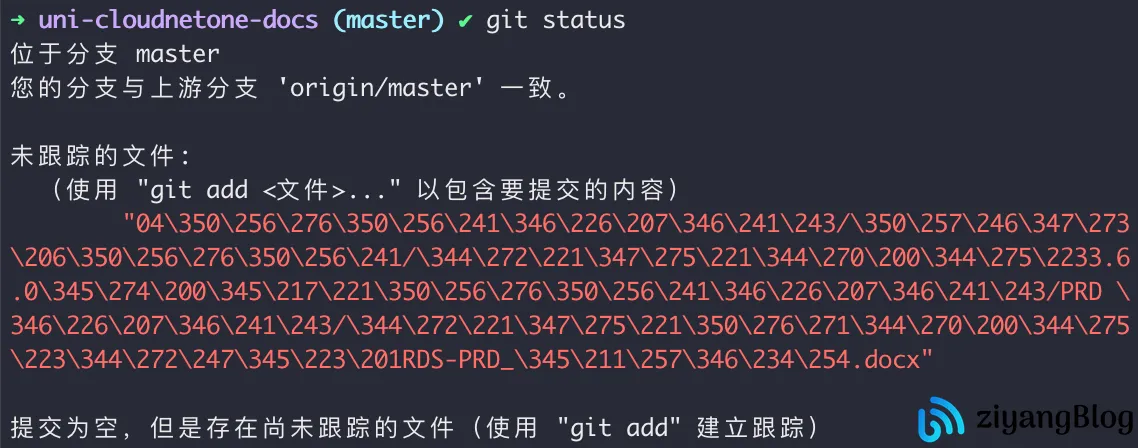
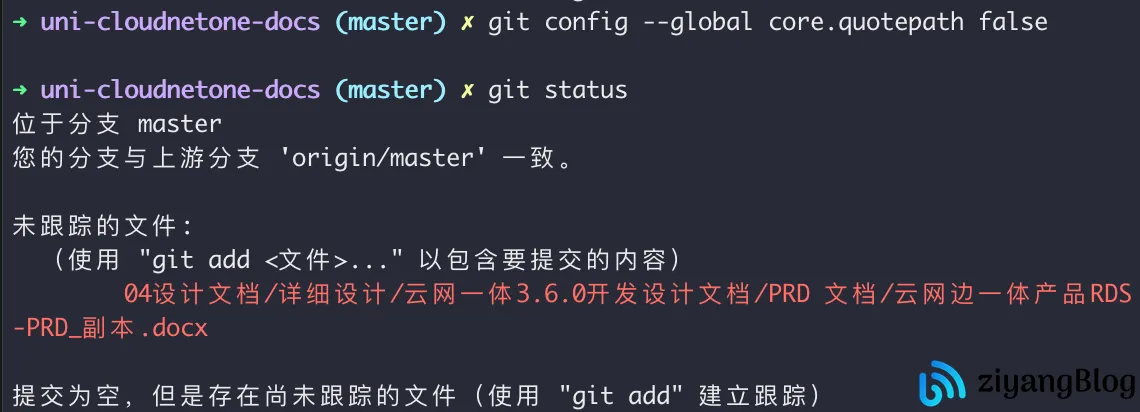
git config --global core.quotepath false           # git status 乱码
git config --global gui.encoding utf-8             # git gui 乱码
git config --global i18n.commit.encoding utf-8     # git commit 乱码
git config --global i18n.logoutputencoding utf-8   # git log 乱码
# linux bash 环境下
export LESSCHARSET=utf-8
# windows cmd环境下:
set LESSCHARSET=utf-8
|